

Booking is that easy:
1- Click on the blue “Schedule video call” button at the top.
2- Select the day and time you want to have the video call and click on the blue “Confirm” button.
3- Tell us your name, email address, mobile phone number, and let us know which product you want to talk about. It is also important that you re-enter your mobile phone number in the “Send text reminders to” field. That way we can remind you about the video call by text message.
4- Click on the blue “Schedule event” button.
5- That’s it. You will immediately receive an email and a text message on your cell phone confirming the video call. In addition, we will send you a reminder on the same day one hour before the call via email and text message to your cell phone.
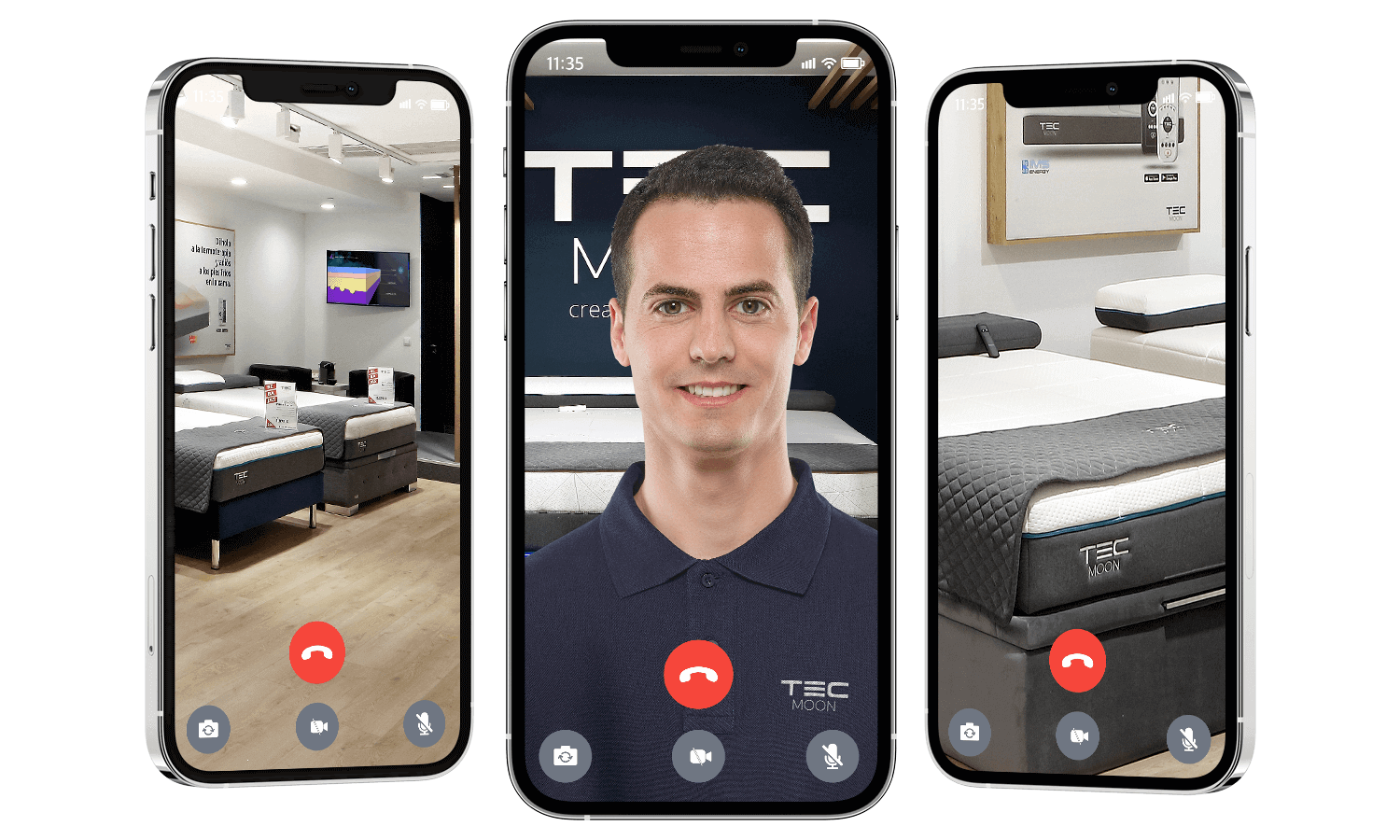
6- On the reserved day and time, a TEC MOON assistant will call you via WhatsApp on the mobile number you have provided.